
 Orders ship from the USA, Orders of $25 or more qualify for FREE Shipping in the USA
BTECH PC03 Programming Cable Guide
Program your radio without driver headaches.
Choose the genuine FTDI cable that fits your computer, install your radio’s software, and start programming. PC03 cables support Windows, macOS, and Linux on compatible K1 two-pin radios.
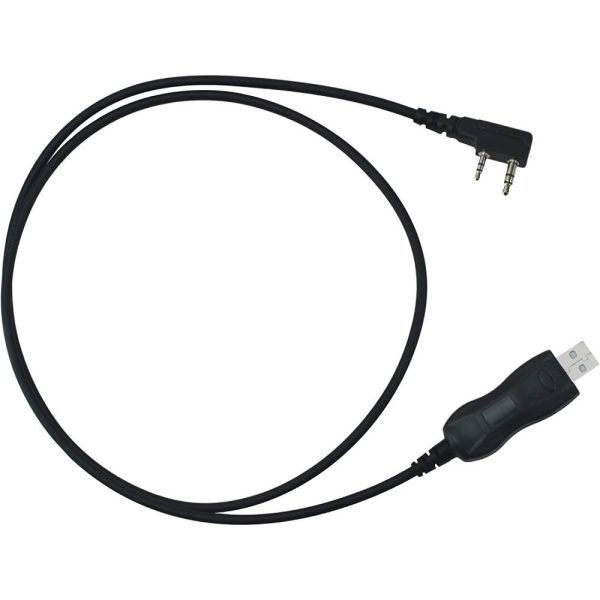
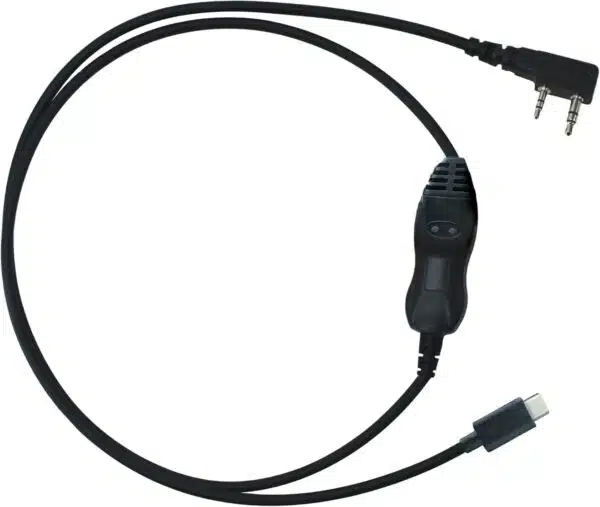
Three steps from cable to programmed radio
The genuine FTDI chipset is normally recognized automatically. You still need the correct programming application or CPS for your radio model.
Choose your connector
Select USB-A for traditional computer ports or USB-C for newer laptops and tablets.
Download the software
Use the BTECH software directory to find CHIRP, CPS, firmware, and model-specific resources.
Connect and program
Seat both K1 plugs completely, select the correct radio and port, then read from the radio before editing.
Why use a genuine PC03?
- Genuine FTDI chipset for dependable recognition and data transfer
- No legacy-driver rollback tricks required
- CHIRP and compatible manufacturer CPS support
- Backed by U.S.-based BTECH product support
Computer not recognizing the cable?
Most systems install the FTDI driver automatically. If yours does not, install the current official Virtual COM Port driver, reconnect the cable, and reopen your programming software.
Still stuck?
Tell our support team your radio model, computer operating system, and which PC03 cable you are using.