 Orders ship from the USA, Orders of $25 or more qualify for FREE Shipping in the USA
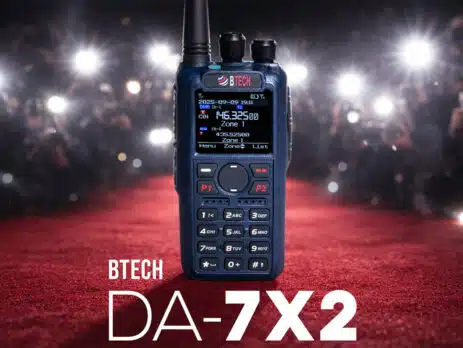
BTECH introduces the DA-7X2. True Dual Receive. True VFO. Built to evolve.
Friday, January 30, 2026 ARLINGTON, SD – BTECH today announced DA-7X2, a new dual-band handheld that treats “digital + analog” as a day-to-day reality, not a menu choice. DA-7X2 pairs true dual-receiver hardware (monitoring VHF and UHF at the same time) with a radio workflow that stays fast in the field: a dual-display Main/Sub layout, true VFO and full memory-channel operation, and on-radio adjustability that doesn’t assume you’re sitting at a desk. The name is intentional. DA is about a broader...
BTECH DA-7X2 PRO: SOFTWARE AND FIRMWARE REPOSITORY
SUBSCRIBE TO BE ALERTED TO DMR FIRMWARE UPDATES Note This Email List is only for DA-7X2 & DMR-6X2 Updates. If you are subscribed to our newsletter - you are not subscribed to this email list. You can subscribe to our normal newsletter here DA-7X2 Product Page DA-7X2 Accessories Current Amateur Radio Contact List: Default Display Current Amateur Radio Contact List: <a...</a...

BTECH DA-7X2 Digital & Analog Dual Band Two-Way Radio
BTECH DA-7X2 Dual Band DMR Digital + Analog Handheld Radio, True Dual Receive VHF/UHF, 7W Peak, AM Airband (108–136) + FM Broadcast RX, Cross-Band Repeater, Recording, Advanced Audio
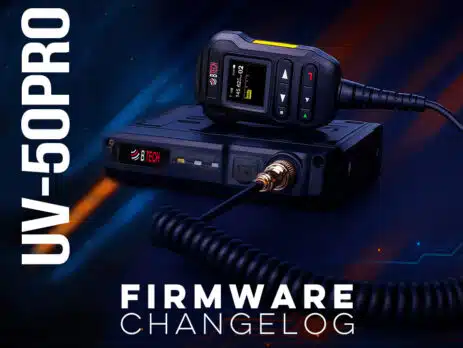
UV-50PRO Firmware Changelog
This page lists official UV-50PRO radio firmware releases in reverse chronological order. Update tip: After flashing, if the screen does not power back on: unplug the radio from power → Press and hold the Menu button (the top left white button) → While holding the Menu button, reconnect power and turn the radio on (after releasing the reset will take about 1 minute). This will reflash the display firmware and restore normal operation. Best practice: After major updates, back up your...
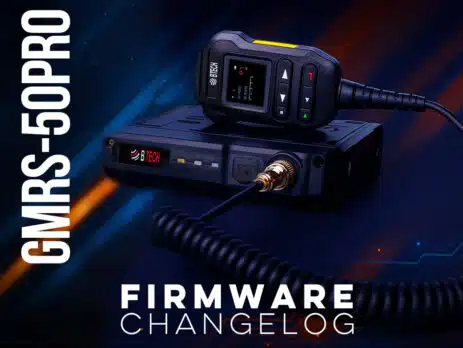
GMRS-50PRO Firmware Changelog
This page lists official GMRS-50PRO radio firmware releases in reverse chronological order. Update tip: After flashing, if the screen does not power back on: unplug the radio from power → Press and hold the Menu button (the top left white button) → While holding the Menu button, reconnect power and turn the radio on (after releasing the reset will take about 1 minute). This will reflash the display firmware and restore normal operation. Best practice: After major updates, back up your...
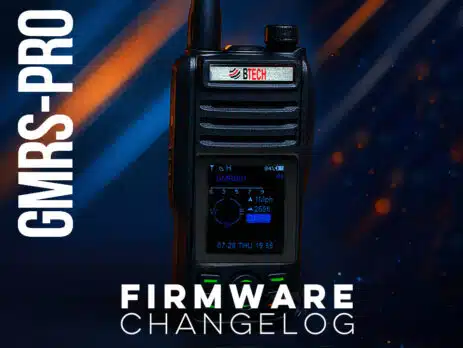
GMRS-PRO Firmware Changelog
This page lists official GMRS-PRO radio firmware releases in reverse chronological order. Update tip: After flashing, if the screen does not power back on, power off → hold OK (top-left green key) → power on to initialize the new firmware. Best practice: After major updates, back up your channels, then perform a Factory Reset and re-sync using the BTECH GMRS Programmer app. V0.9.2 — January 29, 2026 New Radio Settings Update: Added a Reverse Frequency switch in Radio Settings. Programmable Buttons: New assignable actions: Squelch Level +, Squelch Level −,...
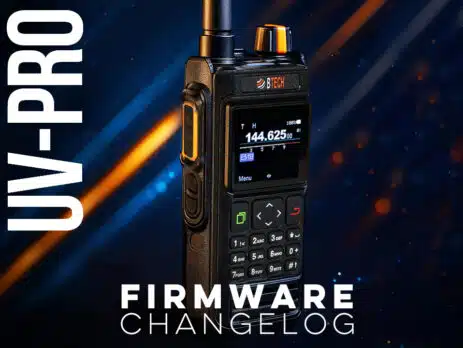
UV-PRO Firmware Changelog
This page lists official UV-PRO radio firmware releases in reverse chronological order. Update tip: After flashing, if the screen does not power back on, power off → hold OK (top-left green key) → power on to initialize the new firmware. Best practice: After major updates, back up your channels, then perform a Factory Reset and re-sync using the BTECH UV Programmer app. V0.9.2 — January 29, 2026 New KISS Mode Enhancements: Configure TX and RX frequencies independently, and set TX power for the KISS profile. DTMF...