 Orders ship from the USA, Orders of $25 or more qualify for FREE Shipping in the USA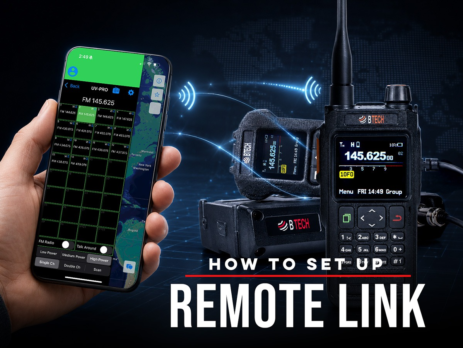
How to Set Up Remote Link
Use Remote Link with Android and a compatible BTECH app-series radio to bridge a private Network Channel with authorized local RF.
Ships from USA · Free U.S. shipping $25+

EXPLORE A TOPIC
Find BTECH instructions, news, and field knowledge related to UV-50PRO.
LATEST FROM BTECH
Clear answers, firmware releases, product announcements, and practical radio help.
Use Remote Link with Android and a compatible BTECH app-series radio to bridge a private Network Channel with authorized local RF.
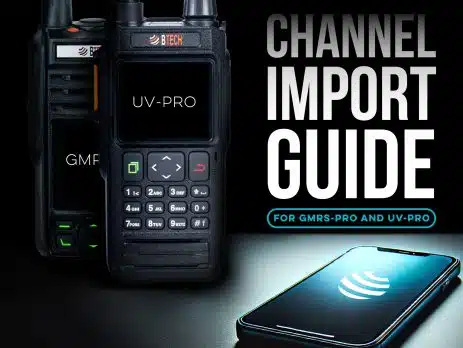
Share channel groups by CSV on iOS or Android, use pasteable codes on Android, or copy channels directly between verified same-family BTECH PRO radios.
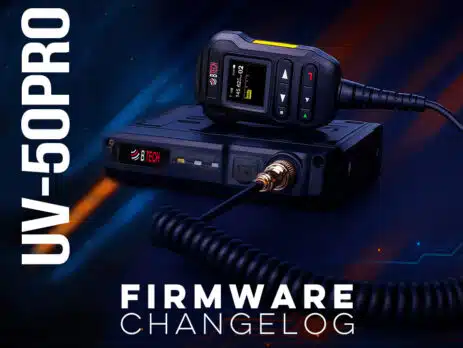
This page lists official UV-50PRO radio firmware releases in reverse chronological order. Update tip: After flashing, if the screen does not power back on: unplug the radio from power → Press and hold the Menu button (the top left white button) → While holding the Menu button, reconnect power and turn the radio on (after releasing the reset will take about 1 minute). This will reflash the display firmware and restore normal operation. Best practice: After major updates, back up your...
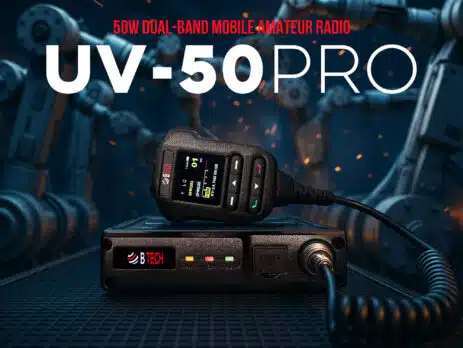
Friday, November 21, 2025 ARLINGTON, SD – BTECH today unveiled the UV-50PRO, a transformative 50W dual-band mobile amateur radio that redefines what's possible in connected communication. Drawing inspiration from the compact brilliance of our UV-PRO handheld, the UV-50PRO amplifies it with vehicle-optimized power, AI-driven enhancements, and space-ready features like automatic satellite tracking. This isn't merely an upgrade, it's a complete rethinking of mobile ham radio, integrating effortless Bluetooth app control, real-time APRS tracking, and intelligent noise reduction into a rugged, future-proof...
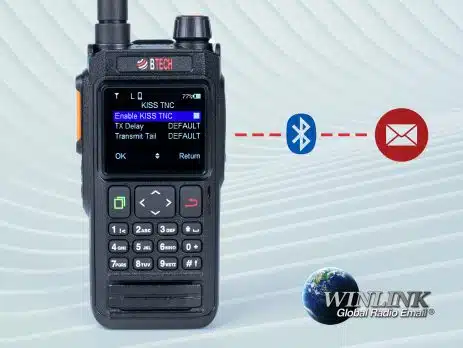
Connect BTECH UV-PRO or UV-50PRO to Winlink Express through Bluetooth KISS TNC, verify the COM-port link, then test a permitted VHF packet gateway.

Find a received CTCSS tone or DCS code on GMRS-PRO, GMRS-50PRO, UV-PRO, or UV-50PRO and apply it to the correct channel field.
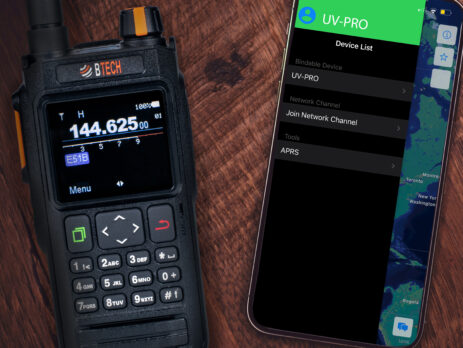
Create, join, mute, and troubleshoot internet-based Network Channels in the BTECH Programmer apps while keeping them separate from GMRS radio communications.
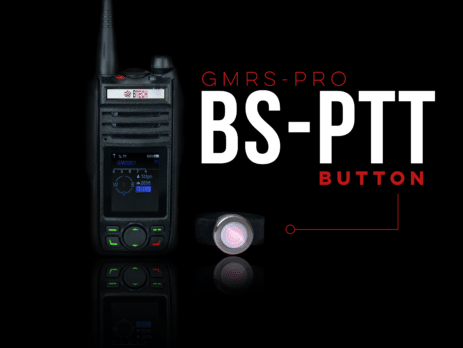
Pair compatible Bluetooth audio and supported BTECH PTT accessories with GMRS-PRO, GMRS-50PRO, UV-PRO, or UV-50PRO and test the right microphone.
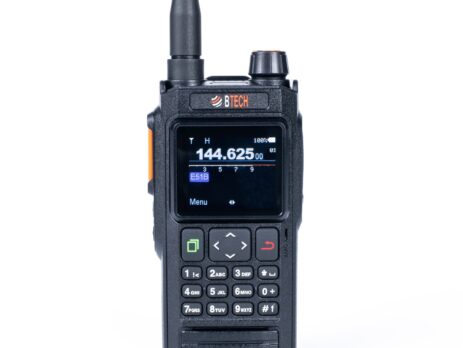
Calibrate the compass on GMRS-PRO, GMRS-50PRO, UV-PRO, or UV-50PRO, see the correct motion, and fix a heading that drifts or points the wrong way.