 Orders ship from the USA, Orders of $25 or more qualify for FREE Shipping in the USA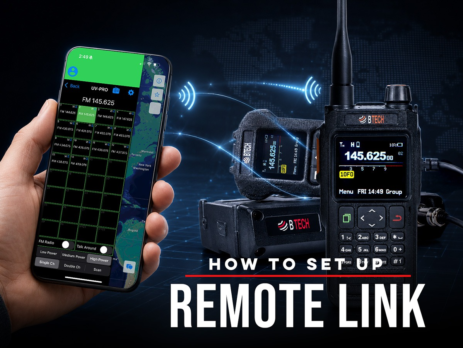
How to Set Up Remote Link
Use Remote Link with Android and a compatible BTECH app-series radio to bridge a private Network Channel with authorized local RF.
Ships from USA · Free U.S. shipping $25+

EXPLORE A TOPIC
Find BTECH instructions, news, and field knowledge related to UV-PRO.
LATEST FROM BTECH
Clear answers, firmware releases, product announcements, and practical radio help.
Use Remote Link with Android and a compatible BTECH app-series radio to bridge a private Network Channel with authorized local RF.
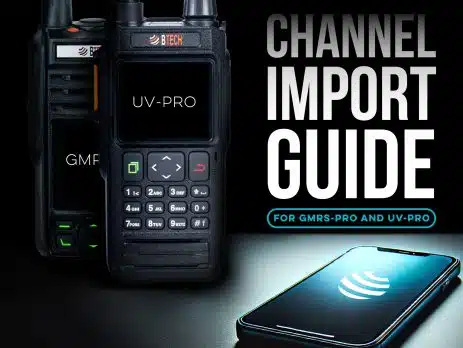
Share channel groups by CSV on iOS or Android, use pasteable codes on Android, or copy channels directly between verified same-family BTECH PRO radios.
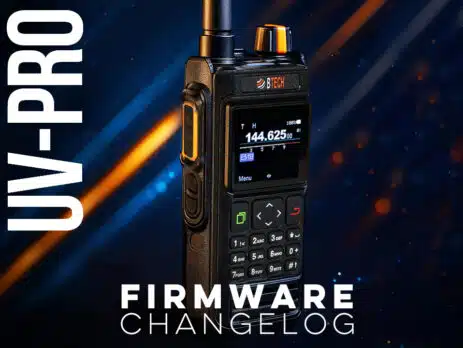
This page lists official UV-PRO radio firmware releases in reverse chronological order. Update tip: After flashing, if the screen does not power back on, power off → hold OK (top-left green key) → power on to initialize the new firmware. Best practice: After major updates, back up your channels, then perform a Factory Reset and re-sync using the BTECH UV Programmer app. V0.9.3 — June 2026 New Preset DTMF Commands: Added support for preset DTMF commands for quicker tone dialing. Main Channel Display: The main channel can now...
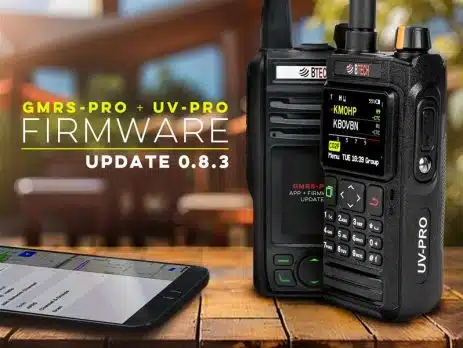
Monday, April 7, 2025 ARLINGTON, SD – If you own a GMRS-PRO or UV-PRO from BTECH, the new 0.8.3 firmware update is worth your attention and comes packed with fixes and improvements. One of the biggest highlights is the UV-PRO’s refreshed display, which is much easier to read in direct sunlight. Both radios also get a fix for a stubborn receive problem that showed up when NOAA alerts were enabled. This bug sometimes caused weaker reception and odd scanning behavior. It’s...
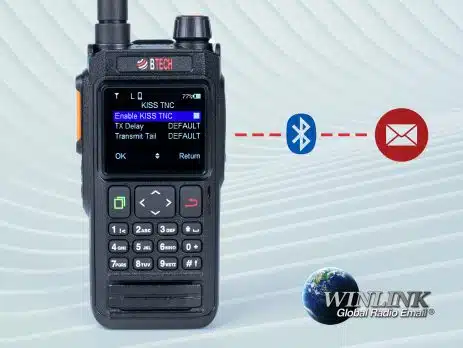
Connect BTECH UV-PRO or UV-50PRO to Winlink Express through Bluetooth KISS TNC, verify the COM-port link, then test a permitted VHF packet gateway.
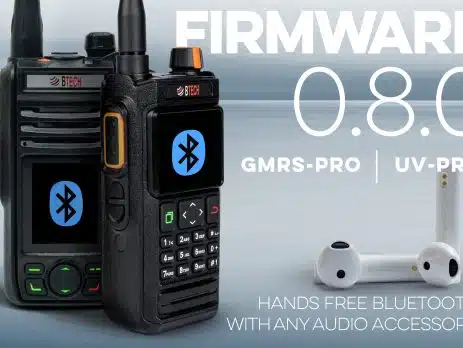
Wednesday, January 29, 2025 ARLINGTON, SD – BTECH is proud to announce the release of Firmware 0.8.0 for its popular GMRS-PRO and UV-PRO radios, delivering groundbreaking enhancements that elevate both convenience and capability for radio enthusiasts and professionals. Chief among these updates is the all-new Bluetooth VOX functionality, allowing operators to seamlessly transmit hands-free with any Bluetooth headset—no special accessory required. Bluetooth VOX: A Leap Forward in Hands-Free Communication The hallmark feature of Firmware 0.8.0 is the Bluetooth VOX (Voice-Operated Exchange) integration, which...
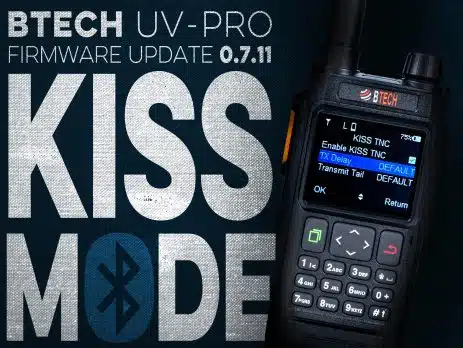
December 12, 2024 We’re excited to unveil a major firmware update for the BTECH UV-PRO that expands your digital communication capabilities like never before. With Version 0.7.11, we’ve integrated KISS mode support directly into the radio, enabling you to seamlessly connect with a wide range of APRS, packet radio, and email applications—whether you’re using a smartphone, tablet, laptop, or desktop computer. This update transforms your UV-PRO into a true digital communications powerhouse. All 0.7.11 Firmware Improvements: Stronger Signal Integrity: Improved buffering and...
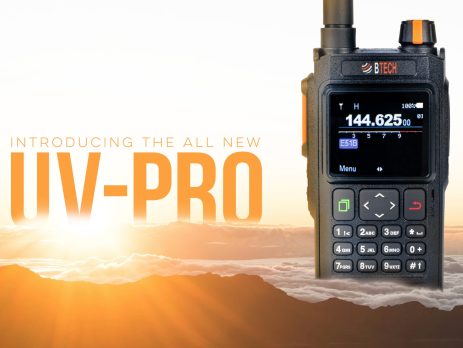
Thursday, August 15, 2024 Introducing the BTECH UV-PRO: A New Era in Off-Grid Communication BTECH is proud to announce the release of the UV-PRO Dual Band Radio, a cutting-edge communication device that is set to redefine the industry. With a sleek design, unmatched functionality, and robust durability, the UV-PRO is more than just another radio—it’s a revolution in how you stay connected. A Bold Leap Forward The UV-PRO is engineered for those who demand the best. Whether you’re a licensed professional or an amateur...

Find a received CTCSS tone or DCS code on GMRS-PRO, GMRS-50PRO, UV-PRO, or UV-50PRO and apply it to the correct channel field.
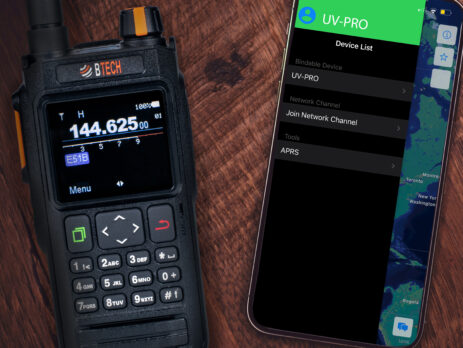
Create, join, mute, and troubleshoot internet-based Network Channels in the BTECH Programmer apps while keeping them separate from GMRS radio communications.