 Orders ship from the USA, Orders of $25 or more qualify for FREE Shipping in the USA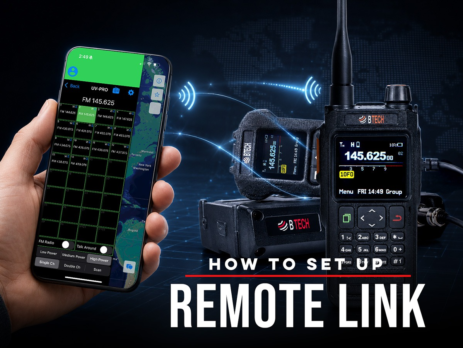
How to Set Up Remote Link
Use Remote Link with Android and a compatible BTECH app-series radio to bridge a private Network Channel with authorized local RF.
Ships from USA · Free U.S. shipping $25+

BROWSE BTECH ARTICLES
Helpful BTECH articles, announcements, and resources collected around Guides & How-Tos.
LATEST FROM BTECH
Clear answers, firmware releases, product announcements, and practical radio help.
Use Remote Link with Android and a compatible BTECH app-series radio to bridge a private Network Channel with authorized local RF.
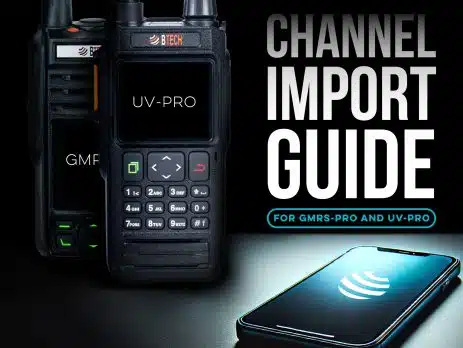
Share channel groups by CSV on iOS or Android, use pasteable codes on Android, or copy channels directly between verified same-family BTECH PRO radios.
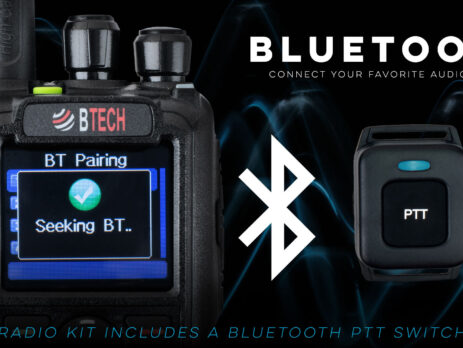
DMR-6X2 PRO and DA-7X2 support Bluetooth workflows; the base DMR-6X2 does not have integrated Bluetooth.
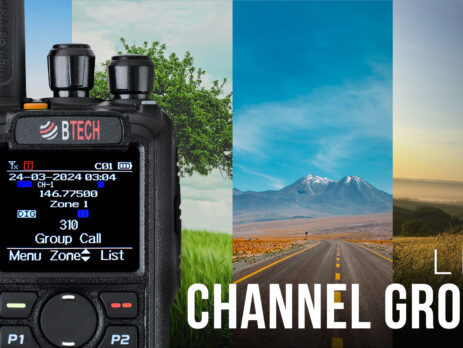
A zone organizes channels; a scan list watches selected channels; roaming chooses among equivalent programmed candidates.
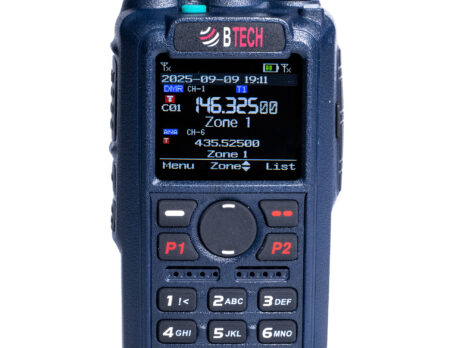
Use DA-7X2 analog tone discovery, repeat the search, and prove the result with a controlled receive test before saving it.
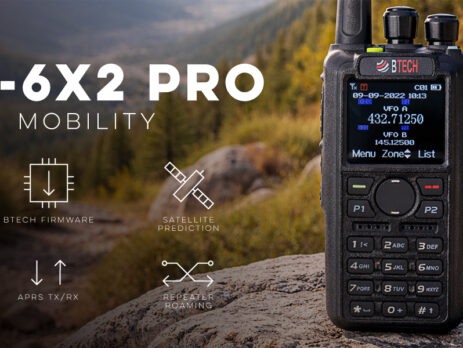
A radio can support DMR text while a repeater, hotspot, or network route still blocks or reformats the message.
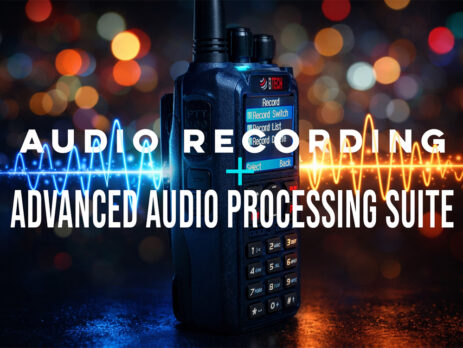
Recording modes, duration, analog support, and storage differ by radio. Confirm consent requirements before you enable automatic recording.
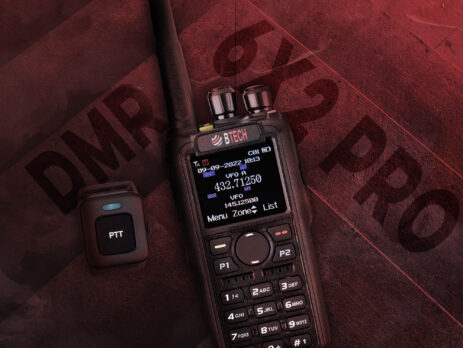
Firmware, CPS installers, codeplugs, update payloads, and recovery keys are model-specific—even when the radios share DMR concepts.
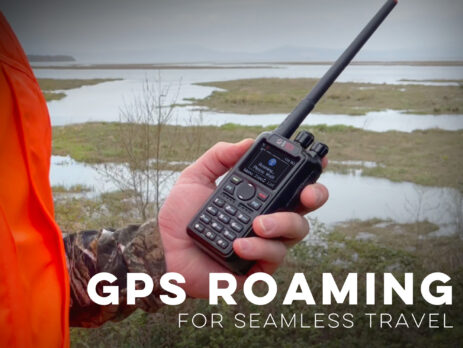
Roaming chooses among preprogrammed candidate repeaters. It does not discover unknown systems or guarantee continuous coverage.
Talker Alias can carry a display name over the air, but it depends on transmitting and receiving support and is not authenticated identity.