 Orders ship from the USA, Orders of $25 or more qualify for FREE Shipping in the USA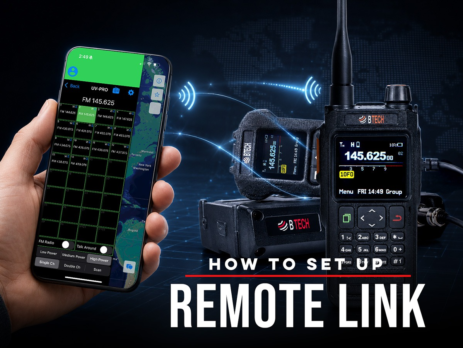
How to Set Up Remote Link
Use Remote Link with Android and a compatible BTECH app-series radio to bridge a private Network Channel with authorized local RF.
Ships from USA · Free U.S. shipping $25+

EXPLORE A TOPIC
Find BTECH instructions, news, and field knowledge related to Programming.
LATEST FROM BTECH
Clear answers, firmware releases, product announcements, and practical radio help.
Use Remote Link with Android and a compatible BTECH app-series radio to bridge a private Network Channel with authorized local RF.
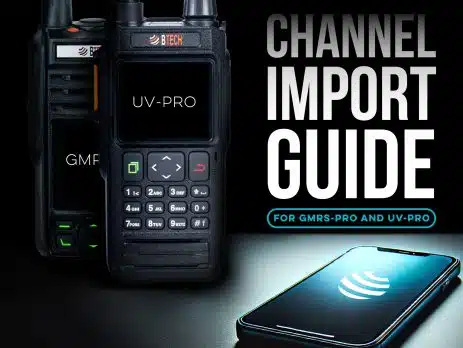
Share channel groups by CSV on iOS or Android, use pasteable codes on Android, or copy channels directly between verified same-family BTECH PRO radios.
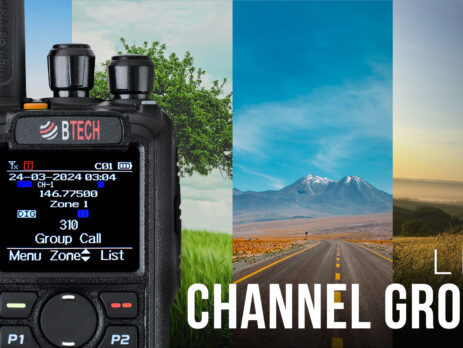
A zone organizes channels; a scan list watches selected channels; roaming chooses among equivalent programmed candidates.
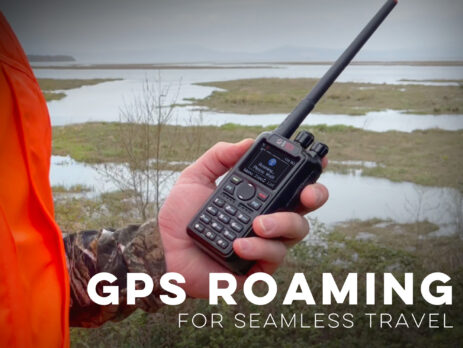
Roaming chooses among preprogrammed candidate repeaters. It does not discover unknown systems or guarantee continuous coverage.
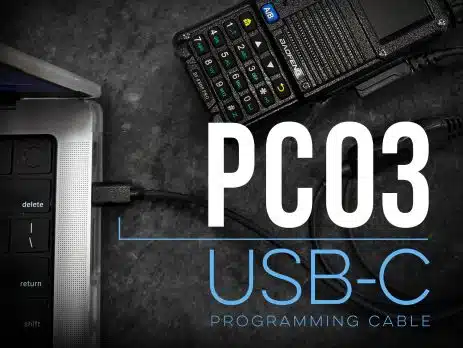
Wednesday, April 30, 2025 ARLINGTON, SD – Whether you’re loading fresh repeater pairs before a storm chase or cloning channels for a volunteer search-and-rescue team at 2 a.m., nothing derails momentum faster than a finicky programming cable. That’s why BTECH re-updated its best-selling PC03 for the USB-C world we actually live in. The new PC03 USB-C Programming Cable trades yesterday’s USB-A plug for the reversible, adapter-free port found on today’s laptops, tablets, and mobile workstations—while keeping the rock-solid FTDI pedigree that...
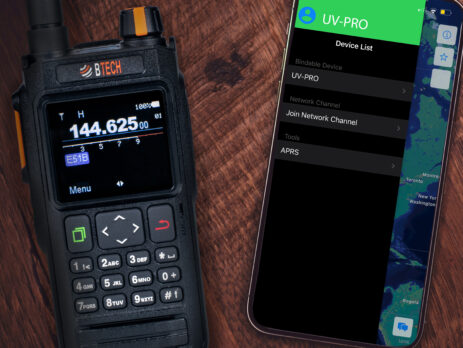
Create, join, mute, and troubleshoot internet-based Network Channels in the BTECH Programmer apps while keeping them separate from GMRS radio communications.

The BTECH GMRS-V2 is the first GMRS radio of its kind. It is the first GMRS radio to allow you to quickly add any GMRS channel to any memory location in a few button presses. Using the new GMRS 'quick add' option in Menu 43 ('GCH-AD') you can add another GMRS channel to any of the 200 channel locations. Here's how that new menu works: First you select this new menu option (Menu 43) and it will allow you to enter...
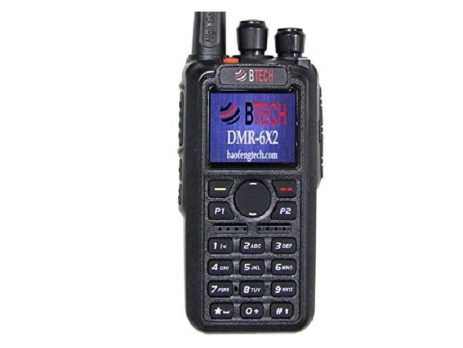
Build an authorized local Analog APRS channel, use a region-appropriate path and identity, and verify one packet before enabling automatic beacons.
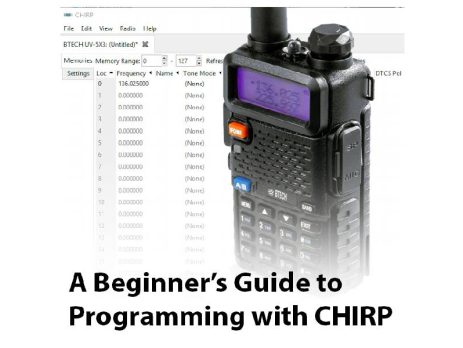
One of the most frequently asked questions that we get here at BTECH is, “How do I program the channel memories in my UV-5X3?” The answer is, “Get CHIRP!” CHIRP is a free, open-source application for programming many different radios from dozens of manufacturers. You can use CHIRP to program 11 different BTECH models, including our amateur radios and our GMRS and MURS radios. In this post, we’ll show you how to program a BTECH UV-5X3 with CHIRP. CHIRP...
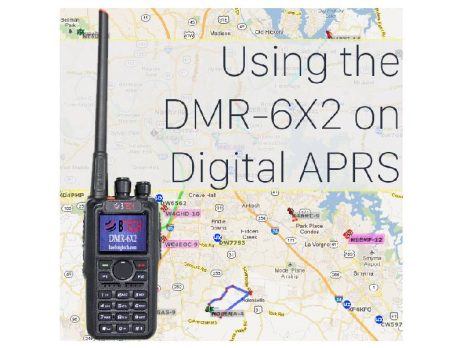
Get a GPS lock, verify the DMR channel, then use the APRS destination and routing required by the network you actually use.