 Orders ship from the USA, Orders of $25 or more qualify for FREE Shipping in the USA
How to Get a GMRS License in 2026: $35, No Exam, 10 Years
Apply for a GMRS license in six clear steps. Current $35 FCC fee, no exam, 10-year term, family coverage, FRN, ULS, payment, and call-sign instructions.
Ships from USA · Free U.S. shipping $25+

BROWSE BTECH ARTICLES
Helpful BTECH articles, announcements, and resources collected around Guides & How-Tos.
LATEST FROM BTECH
Clear answers, firmware releases, product announcements, and practical radio help.
Apply for a GMRS license in six clear steps. Current $35 FCC fee, no exam, 10-year term, family coverage, FRN, ULS, payment, and call-sign instructions.
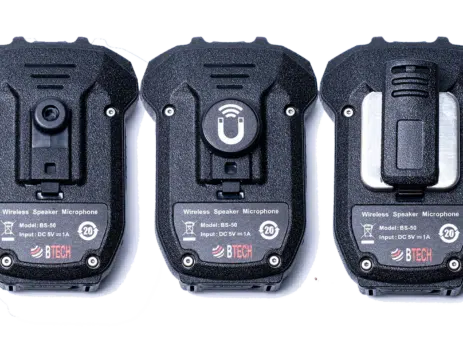
Monday, April 20, 2026 ARLINGTON, SD – A speaker microphone is only as convenient as the way you carry or mount it. If it is always sliding around, getting buried in a console, or clipped somewhere awkward, it slows you down when you actually need it. That is why we offer three mounting options for compatible BTECH speaker microphones like the BS-22, BS-50, and HS-50. Each one gives you a different way to keep your mic secure, close, and easy to...
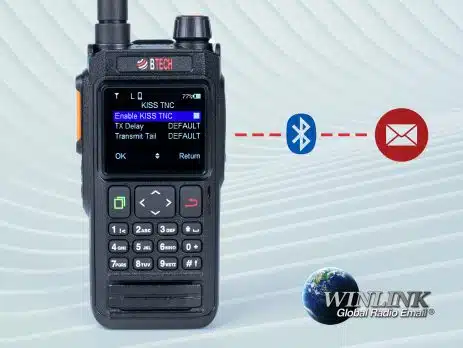
Connect BTECH UV-PRO or UV-50PRO to Winlink Express through Bluetooth KISS TNC, verify the COM-port link, then test a permitted VHF packet gateway.

Plan satellite passes and use automatic transmit and receive Doppler adjustment in Satellite mode on BTECH DMR handhelds.

Find a received CTCSS tone or DCS code on GMRS-PRO, GMRS-50PRO, UV-PRO, or UV-50PRO and apply it to the correct channel field.
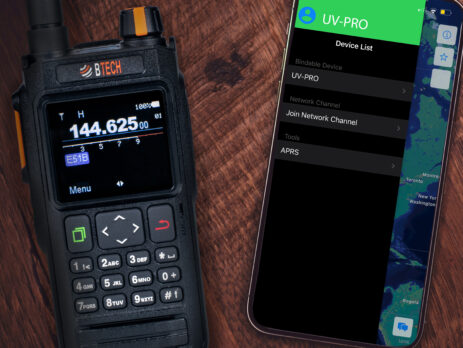
Create, join, mute, and troubleshoot internet-based Network Channels in the BTECH Programmer apps while keeping them separate from GMRS radio communications.
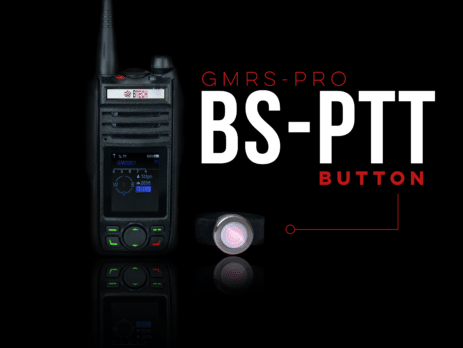
Pair compatible Bluetooth audio and supported BTECH PTT accessories with GMRS-PRO, GMRS-50PRO, UV-PRO, or UV-50PRO and test the right microphone.
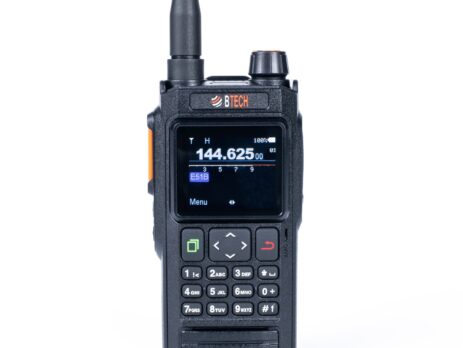
Calibrate the compass on GMRS-PRO, GMRS-50PRO, UV-PRO, or UV-50PRO, see the correct motion, and fix a heading that drifts or points the wrong way.
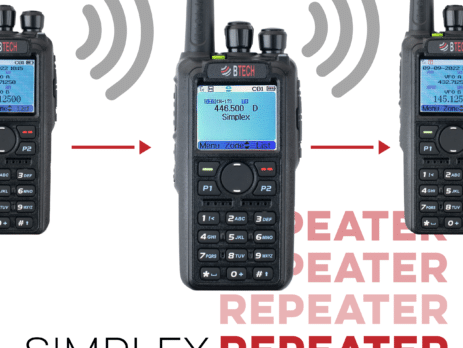
DMR-6X2 and DMR-6X2 PRO Store-and-Forward records a complete digital call, then retransmits it after the source releases PTT.
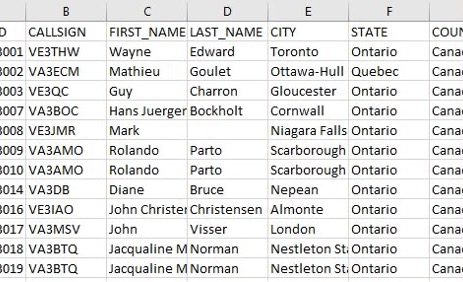
Turn received DMR IDs into useful display names with a model-matched 200,000- or 500,000-record lookup database.