
 Orders ship from the USA, Orders of $25 or more qualify for FREE Shipping in the USA
Use Talker Alias without mistaking it for verified identity
The short version
Talker Alias is a useful label, not proof of identity
When the radio and network pass Talker Alias, the receiver can display text sent with the DMR call. That label is especially useful when the caller database is missing or stale.
An alias can be missing, shortened, changed by the sender, or stripped by the network. Treat it as helpful display data—not verified identity—and keep the assigned DMR Radio ID correct.
Models covered
All three models support it with the required firmware
The exact CPS fields can include transmit format, display priority, and alias source. Use the current exact-model CPS and verify both a direct/simplex path and the intended network path when possible.
Compare models and required versions
| Model | Verified procedure | Required version | Important difference |
|---|---|---|---|
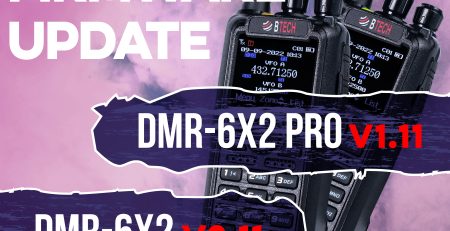
| DMR-6X2 | Transmit/receive Talker Alias | Firmware 2.01 or later; current CPS | Display behavior can compete with caller-database fields. |
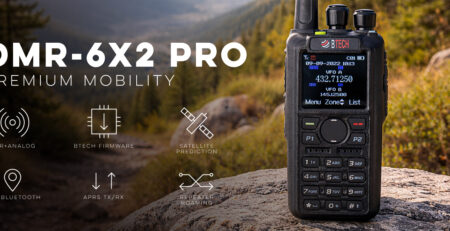
| DMR-6X2 PRO | Transmit/receive Talker Alias | Current PRO firmware/CPS | PRO display and caller-database priorities are model-specific. |
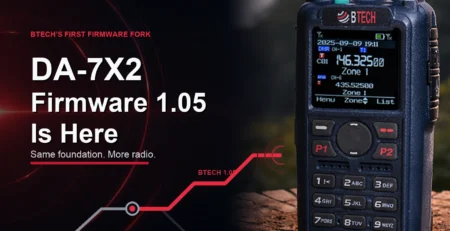
| DA-7X2 | Transmit/receive Talker Alias | Current DA firmware/CPS | DA display layout and dual-receiver context can differ. |
Configure and verify the alias
-
Open the Talker Alias controls for your model
Open the current model CPS Digital settings. Enable transmit/receive or display options only where the model exposes them; do not copy an older screenshot’s field order.
-
Enter a short truthful alias
Use the intended callsign/station label and the supported character/length rules. Avoid personal details that do not need to be broadcast.
-
Review display priority
If CPS lets you choose alias, caller database, contact, or Radio ID display priority, choose the information that best fits your operating workflow.
-
Write and test direct reception
Use two authorized radios on a controlled DMR simplex channel when possible. Confirm the receiver shows the alias and still shows the correct numeric Radio ID.
-
Test the real repeater/network path
Repeat one short authorized test. If the alias disappears or changes, the path may not transport it; do not treat that as a receiver fault until the network behavior is confirmed.
Troubleshooting
| What happened | Likely reason | Next check |
|---|---|---|
| Radio shows only a numeric ID | Alias not sent/passed, display option off, or no database record | Test direct/simplex, confirm transmit/receive alias controls, then compare the network path. |
| Alias is truncated | Radio/network character or length limit | Shorten it and use supported characters; keep the callsign or most useful identifier first. |
| Caller database name replaces the alias | Display priority favors lookup data | Review the exact model’s display priority without deleting the database. |
| Alias works direct but not through repeater | Repeater/network strips or does not transport it | Use the verified caller database/contact display and ask the system owner about Talker Alias support. |








Leave a Reply