
 Orders ship from the USA, Orders of $25 or more qualify for FREE Shipping in the USA
Find a CTCSS tone or DCS code on BTECH PRO radios
Tone scanning works only while a signal is present
Tune to the active frequency and open Tone Scanning. Choose RX or TX if prompted, then let the transmission continue. Record the full CTCSS or DCS result—including DCS polarity—before editing the channel.
Tone scanning
One workflow covers all four PRO-family radios
The video uses GMRS-PRO. The same steps work on GMRS-50PRO, UV-PRO, and UV-50PRO.
On either 50PRO mobile, make the selections on the control microphone.
Scan for the tone and verify the result
-
Select the live frequency
Tune to the frequency or memory channel you want to inspect and confirm that you can hear an active transmission.
-
Open Tone Scanning
Open the main menu and choose Tone Scanning. Select RX or TX tone scanning if your firmware presents that choice.
-
Let the transmission continue
The scanner analyzes received audio, not silence. It stops when it recognizes a valid CTCSS tone or DCS code.
-
Apply the result to the correct RX or TX field
Record the complete value, including DCS polarity when shown. Enter it in the correct receive or transmit tone field, save the channel, and test receive first. A repeater may transmit one tone while requiring a different input tone.
What the result and channel fields look like
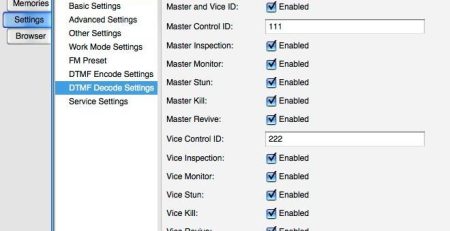
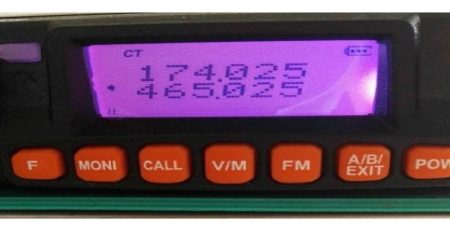
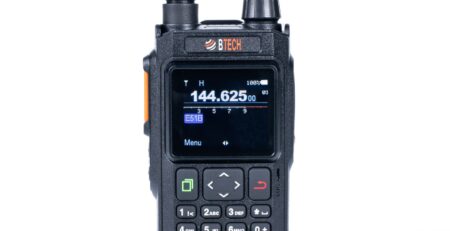
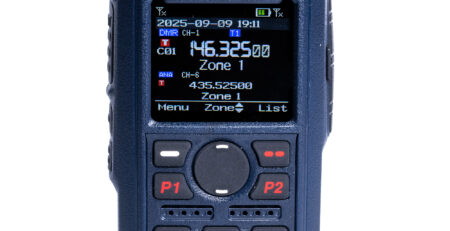
These original BTECH screens show the detected values and where they belong in the channel editor.
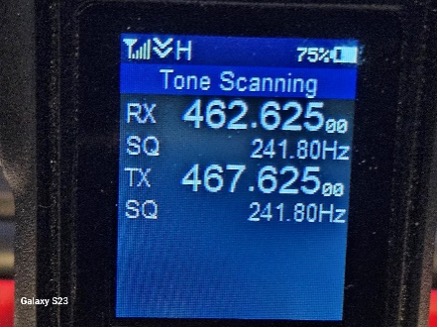
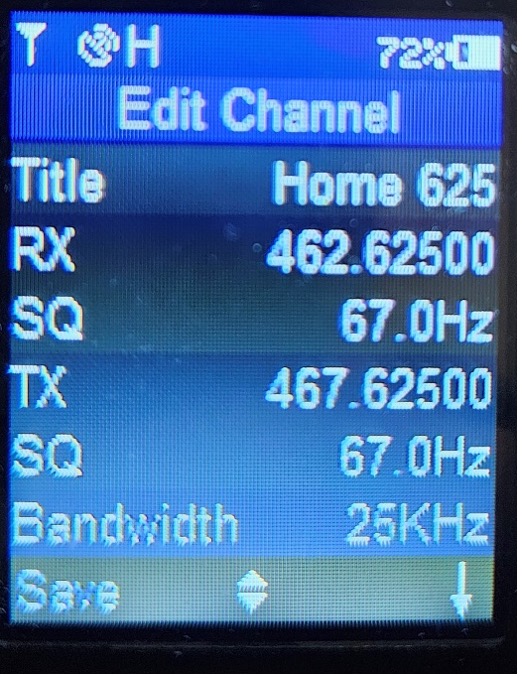
When no tone appears
| What you see | What it usually means | What to do |
|---|---|---|
| The scanner waits indefinitely | There is no active signal, or the wrong frequency is selected | Confirm the frequency and wait for a real transmission. |
| The signal ends before detection | It was too short or weak | Try again on a stronger or longer authorized transmission from a better receive position. |
| Audio stays muted after saving | The value, polarity, or RX/TX field is wrong | Remove the receive tone to confirm raw audio, then rescan and check the field placement. |
| The repeater does not respond | Its input tone, offset, direction, or access rules differ | Use the repeater owner’s published settings. Tone detection alone cannot determine the full transmit setup. |
Manuals and related help
Common questions
Why does Tone Scanning wait on the screen?
It needs a received transmission to analyze. Waiting on silence is normal.
Do all four PRO radios use this procedure?
Yes. Use the handheld controls on GMRS-PRO or UV-PRO and the control microphone on either 50PRO mobile.
Does the detected receive tone tell me the repeater input tone?
Not necessarily. Use the repeater owner’s published input settings before transmitting.




Comments (2)
Baofeng radio dual band FM transceiver is my first. Looking to up grade but not too e CV pensive. A new radio scanner police to stay in touch with whats happening around us. Please help.
you’re going to probably want a dedicated scanner for that unless your local public safety/dispatch is all cleartext analog. i use a whistler 1080 and uniden SDS100 for public safety scanning and amateur bands; i spend most of my time in iowa and philadelphia and both have a lot of p25 digital, NXDN, and DMR these days.
i do have some listen-only bands on my GMRS-PRO for amateur repeaters and there’s an analog simulcast of SEPTA and PPD for Philly that i can listen to on this HT too. check your local agencies on RadioReference to see what systems are being used so you know what you need to listen. a lot of public safety traffic is encrypted these days and if you don’t want to break any laws you don’t decrypt that traffic and just let it go.